Someone clicks your ad and leaves their email. Your funnel sends them your freebie, sells them your offer and unlocks their access.
You? You're asleep.
That's what a GoHighLevel sales funnel does. You'll have yours by the end of this guide.
The problem? Your page, your emails and your course probably live in three tools, linked by "Zaps": little Zapier bridges.
One Friday night, a bridge breaks. Your client paid. They get nothing, and you find out on Monday.
You're not the problem. The plumbing is.
In GoHighLevel, everything lives in one place. No more bridges, no more breakage.
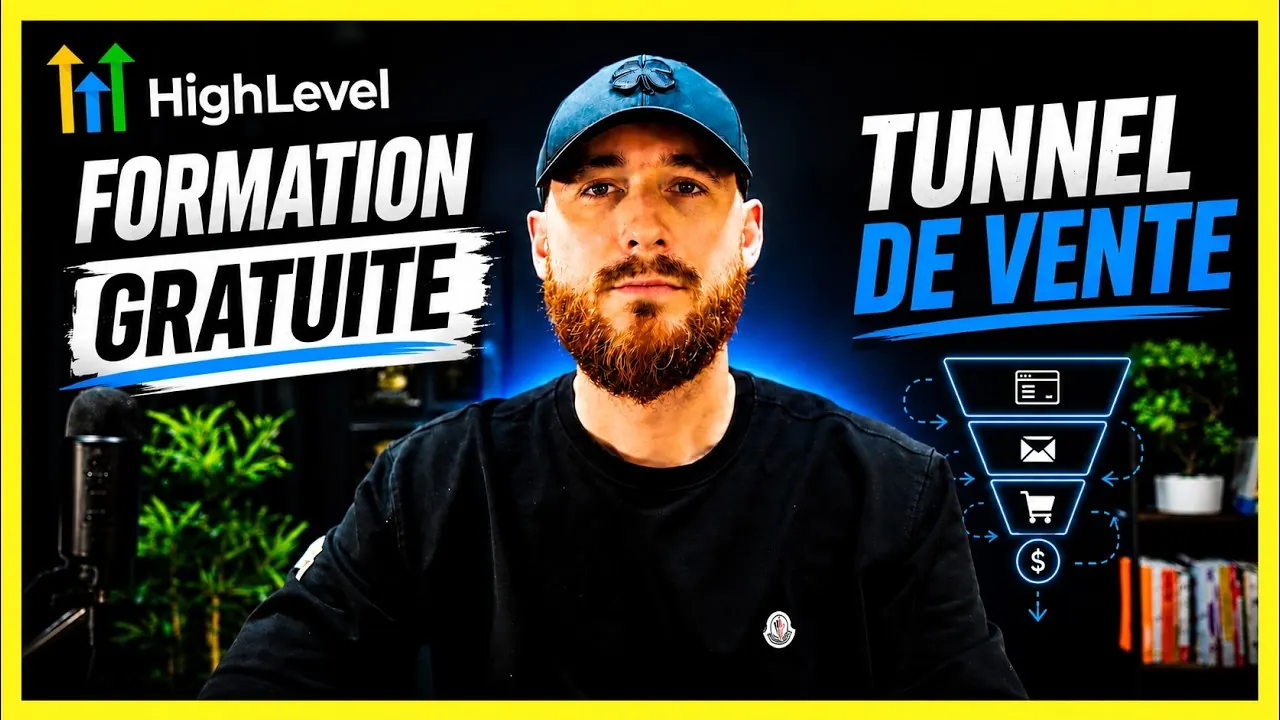
I filmed the full build in a single session: 1h49, hiccups included. The video shows every click, the article gives the settings. Let's start with the short answer.
How do you build a sales funnel in GoHighLevel? The answer in 60 seconds
GoHighLevel (GHL) brings together in one subscription your client list (the CRM), your funnels, your emails, your calendar and your course.
In short
To build a sales funnel in GoHighLevel, go to Sites, then Funnels, then New Funnel. Build an opt-in page, with the form visible without scrolling. Then a sales page with your sales video (the "VSL"). Then an automation that sends your freebie and unlocks access.
Behind me in the video: two ClickFunnels Two Comma Club trophies. It rewards a funnel with over a million dollars in sales. The page I rebuild here is the exact page that produced those results.
The webinar is the sales mechanism: the moment a curious visitor becomes a client. If you can't say yours in one sentence, you don't have one yet. In the video, it's a sales video leading to a low-cost community. The skeleton stays the same.
Opt-in
Sales mechanism
Product
Upsell
Key takeaways
A funnel that doesn't sell is useless.
Now, the tool.
Step 1. The GoHighLevel opt-in page: 100% of your traffic goes through here
Every visitor who leaves without dropping an email is ad money down the drain. Your opt-in page is the most profitable spot in your business. Or the most expensive.
Creating the funnel: never start from a blank page
Sites, then Funnels, then New Funnel. Start from a template instead of from scratch: all the block layout is done for you. Coming from ClickFunnels? Import your funnel.
Green for the section, blue for the row, purple for the column, orange for the element. Everything else follows.
Section
Row
Column
Element
The top of the page decides your sign-up rate
Logo, benefit as the headline, image of the gift, form: everything must be visible without scrolling, "above the fold". Otherwise, some people will never sign up.
One single button that pops
Second rule. The most profitable one in the whole article.
"The thing that should have the most contrast on your page is the call to action."
The "call to action" is your button. On Apple's website, only one is blue: the one that leads to the purchase. Do the same.
✕
✓
3 settings, and your page stops looking like a template
GoHighLevel puts about 20 pxMistake 1/8 of margin on every block. Reset everything to zero, then 10 px at the top and bottom of sections only. Headlines: line height at 1.1, letter spacing at -1, a capital on every word.
And write your copy before the design. You can't lay out text that doesn't exist.
Get The Roadmap Ebook
Get The Roadmap Ebook
pro
The gift goes out by email, never as a direct download
As a direct download, your gift brings you fake addresses. By email, it checks the address and creates a first signal of interest.
"The more people open your emails, the better you land in your clients' inboxes."
Every open helps your future sales emails stay out of spam. Still, your visitor has to fill out the form.
Step 2. The form: every extra field costs you sign-ups
Unlike Systeme.io or ClickFunnels, the form is built separately, in Sites, then Forms. The same form works everywhere. And it's what triggers your automations.
Three fields, not one more. First name, email, phone.
Email before phone. The number scares people off.
Phone required. For reminders and texts, it's worth its weight in gold.
Country picker on. You don't pay for texts sent abroad.
Never "SubmitGet the ebook". A benefit: "Get the Roadmap ebook".
Last name×
First name
Email
US ▾Phone
Address×
Company×
I agree to receive…×
SubmitGet the Roadmap ebook
Last setting: the button action. Not the default confirmation message, but "Go to next step". And what if another version of this page got more sign-ups?
Step 3. The A/B test: more sign-ups without spending another cent on ads
Two versions of your page, two groups of visitors. You keep the one that gets the most sign-ups.
Example: 30 sign-ups out of 100 visitors. A variant gains 5 points, so 5 more sign-ups per hundred, without another cent on ads.
Your ad100 visitors
Version A
30 sign-ups
Version B
35 sign-ups
+5
It takes two minutes. On the funnel step, click Create Variation, then change one single element: the headline first. (Prerequisite: your domain name connected.)
The stats will tell you which one wins. Meanwhile, let's tackle the page that cashes in.
Step 4. The sales page: getting the credit card out
Kajabi, Podia, TeachableGoHighLevel: this piece replaces them. In Memberships, then Courses, GoHighLevel generates your course platform.
It separates the product (the content) from the offer (what people buy). A trap I hit live: a draft offer is invisible in automations. Publish it.
WorkflowGrant offer
✕✓
Offer
To get paid, connect Stripe (card payments). If you sell directly, the checkout page is built into the funnel.
GoHighLevel also has its own communities, copied from Skool. I stayed on Skool: its search engine brings me visibility. Your funnel is running. But is it working?
Website, funnel, emails, calendar, payments: everything is built in your account, in your name. Then the GoHighLevel subscription at €97 a month. One video per screen, so you stay independent.
The limit: GoHighLevel does a lot, but not everything.
3. We build what GoHighLevel can't do: Custom-Built.
A client portal, a simulator, internal software. GoHighLevel sells, custom-built delivers.
The limit: it's a real project, to launch when GoHighLevel hits a wall, not before.
I do all three. So I have zero interest in pushing you toward the most expensive one. Often, a well-tuned funnel is enough.
A funnel captures an email. A client is a gift, an appointment, a payment, a course. GoHighLevel puts all of that on one single record per client.
Key takeaways
The real win isn't the funnel. It's the system around it.
FAQ about the GoHighLevel sales funnel
Can you import a ClickFunnels funnel into GoHighLevel?
Yes. The import brings over the blocks, images and full page structure. Still plan a review: margins, mobile and forms need a second look. Start with mobile: in GoHighLevel, it's set up separately, without touching desktop.
Does GoHighLevel replace Systeme.io?
For the sales funnel part, yes. The editor is comparable, plus reusable forms, a separate mobile mode and built-in AI. GoHighLevel also covers your client list, appointments, texts and communities. Systeme.io stays focused on funnels and email. To decide, read my systeme.io vs GoHighLevel comparison.
How long does it take to build a complete sales funnel in GoHighLevel?
The filmed build fits in a single session: opt-in page, sales page, automation, product. Following the guide, count on a solid half day. Write your copy first: you can't lay out text that doesn't exist.
Do you need to know how to code to build a funnel in GoHighLevel?
No. Everything happens in the visual editor, with blocks: sections, rows, columns, elements. You can even ask the built-in AI for automations, in plain words. The only slightly technical settings: the domain name and the Stripe connection.
Does GoHighLevel offer a free trial?
GoHighLevel's standard trial lasts 14 days. Through my partner link, you get 30 days. Enough time to build your full funnel following this guide, watch it run and read your first stats. It's an affiliate link: it doesn't cost you anything extra.
How much does a GoHighLevel sales funnel built by an expert cost?
With me, the funnel is part of the GoHighLevel Setup. It includes the funnel, but also the website, emails, calendar and payments. After that, the GoHighLevel subscription is €97 a month. The exact price depends on your project: we set it after the audit.
What if GoHighLevel isn't enough for my business?
It happens. A client portal for your trade, a custom calculation, an internal tool: GoHighLevel isn't built for that. In that case, we keep GoHighLevel to sell, and we build the missing tool with Custom-Built.
Build it now
You've got the two-trophy funnel. The pixel-perfect settings. The three workflow traps. And 1h49 of video, click by click.
What's missing? Your funnel.
Opt-in
Form
A/B test
Sales
Mobile
Delivery
Product
Your funnel
Not sure where to start? Or whether you should really build it yourself? The smART Audit is free. You answer a few questions, and I tell you what to automate first.